

The alarm clock
The sleep schedule
A weekly plan for waking up, a separate change for tomorrow only, and a bedtime target that never starts anything by itself.
The weekly plan
- Open Night › Schedule, or Settings › Night & alarm › Schedule.
- Each group, Mon–Fri, Saturday and Sunday, has a wake time, alarm on or off and a bedtime target, shown as “bed … the night before · wake …”.
- Turn Customize days on to set weekdays one by one. Days that differ split out by themselves.
- Use −15 / +15 or the hour and minute editor, then Apply or Cancel.
Tomorrow only
For a one-off morning, use Tomorrow only in Night. It shows “Tomorrow: … (just once)” and leaves the weekly plan alone. Use weekly plan removes it. Changing the wake time from the night controls is also tomorrow-only.
Bedtime targets
Monday’s bedtime is Sunday night’s target before Monday’s wake. A target helps you see how much sleep is left. It never starts Goodnight, changes a light, starts a sound, touches the thermostat or turns a screen off.
Who’s launching and up by
- Who’s launching per day: everyone gets the full bedroom alarm; one person gets a quiet alarm on their own phone.
- Up by per day sets the latest you can snooze to. Leave it on Automatic to use your calendar and the snooze window. See Snooze and “must be up by”.
Last night and recent mornings
When a real source exists, Night shows last night (“Goodnight … · target …”) and the last seven mornings. A night recorded before targets were saved says “target not recorded” instead of borrowing today’s.
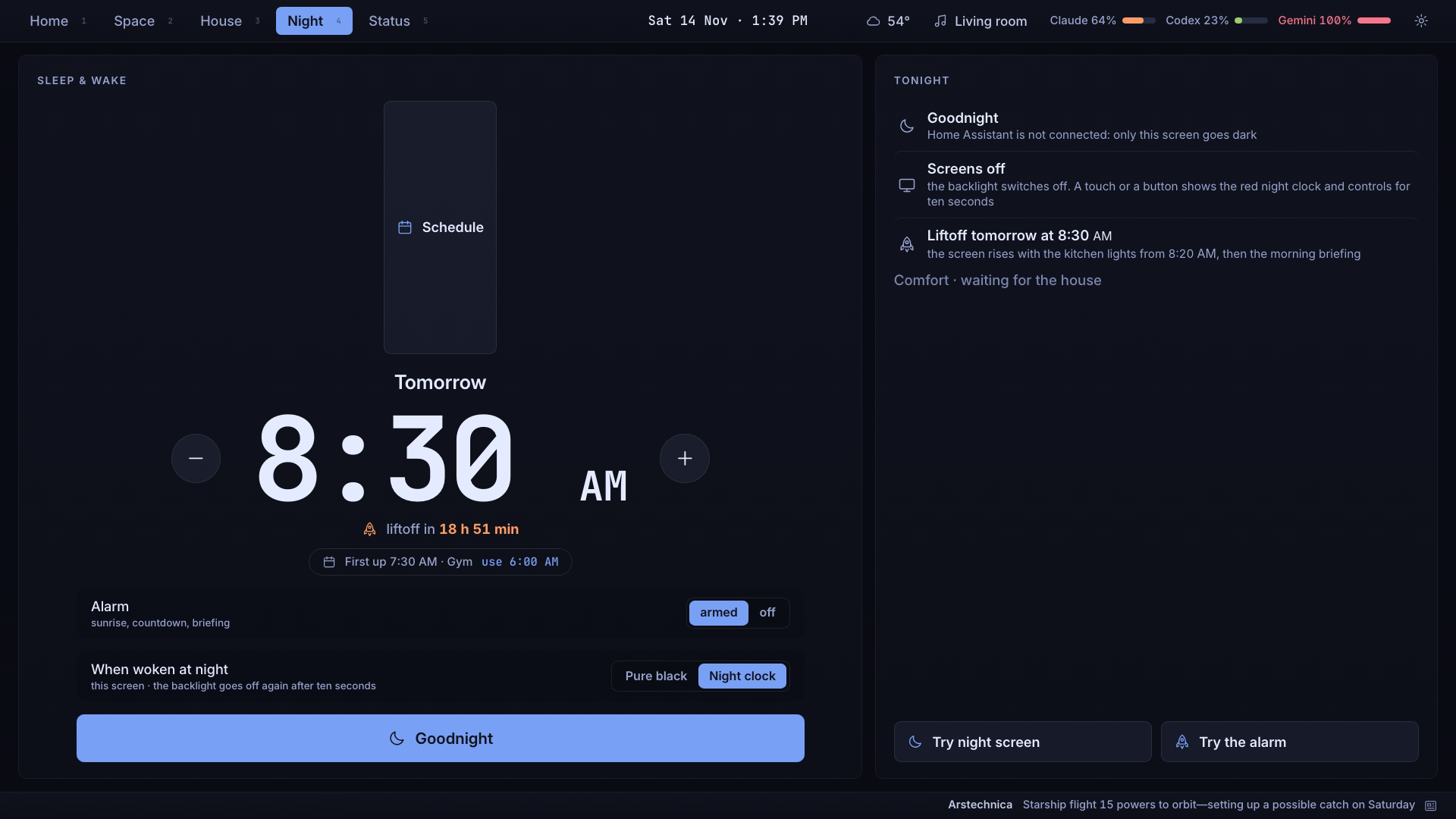
Times follow the shared 12-hour or 24-hour setting. Changing the format never moves the scheduled moment.