

The alarm clock
Goodnight and the night screen
One tap when you’re ready for bed: the screens dim, the sleep sound starts, and the bedroom stays dark until morning.
Choose Goodnight
- Choose Goodnight on Home (Sleep & Wake) or in Night. Only you start it; a bedtime target never does.
- Read the summary as it runs: the lights going off, the comfort line, the sleep sound and its volume, tomorrow’s first event, the alarm and the up-by time.
- If Comfort asks a question, answer it yourself. With fresh air on, choose Close up or Leave it; with the thermostat off, Resume Auto or Keep off. Nothing is chosen for you.
- The screens go dark. The panel’s backlight turns off; a TV shows black.
Goodnight always darkens the screens. The rest depends on what you have: a speaker plays the sleep sound, smart lights go off, and a thermostat moves to its Night temperature when the comfort schedule is on.
The night controls
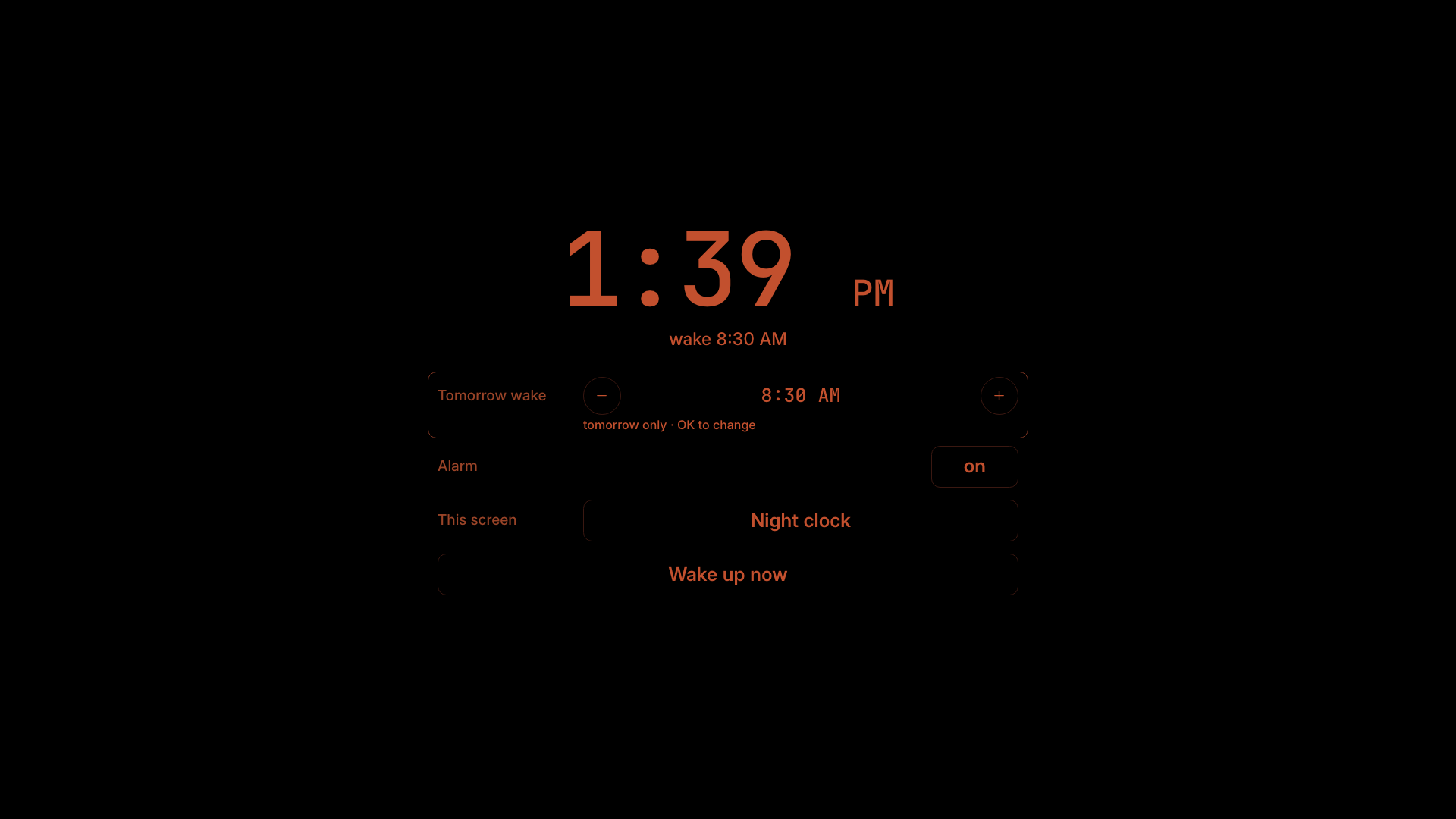
The first touch or key at night shows dim red controls for ten seconds. They show labels and values only:
- Tomorrow wake (this changes tomorrow only), who’s launching and up by
- Sound and volume, and “Muted · Select to unmute” when the speaker is muted
- Alarm on or off, and This screen: Pure black or Night clock
- Wake up now, which ends the night for the house
On a remote, ▲ ▼ pick a row, ◀ ▶ adjust, OK edits or confirms and Back hides the controls.
How each screen looks at night
- At night: Off (the screen turns off), Dim (a night clock stays up) or Stay on. Set it per screen.
- When woken: Pure black (controls only) or Night clock. Automatic picks pure black on TVs and the night clock on the panel.
Without Home Assistant connected, Goodnight says so: “only this screen goes dark”.
An evening look back, the Debrief, is In development.